The 11 Best Employee Time Off Tracker Software in 2026
We compared the best employee time off tracker software on pricing, features, integrations and reviews, with homepage screenshots, comparison tables and real costs for 10, 25 and 50 people.
By the Leavepad team · · 16 min read
Picking employee time off tracker software should be easy. In practice you are comparing dozens of tools that all promise “simple leave management”, with prices that range from under a pound per person to a few hundred dollars a month before you have tracked a single day off. Some are focused leave trackers. Others are full HR platforms where time off is one module among twenty.
We reviewed the 11 time off trackers that small and mid-sized teams shortlist most often. For each one we checked the live pricing page, the time off features, the integrations and what reviewers say, and we captured each homepage so you can see what you are signing up for. All prices and ratings were checked in October 2026.
Quick picks
- Best for simple leave tracking without an HR suite: Leavepad
- Best for UK small businesses: Timetastic
- Best for Slack and Microsoft Teams: Vacation Tracker
- Best for complex, multi-country rules: Calamari
- Cheapest paid plan: Leave Dates
- Best free plan: Day Off
- Best full HR platform (US): BambooHR
- Best full HR platform (Europe): Personio
What is employee time off tracker software?
Employee time off tracker software replaces the holiday spreadsheet and the “can I take Friday off?” message with one system. Employees request leave, managers approve or decline it, and the software deducts the right number of working days from the right balance. A shared calendar shows who is off, so clashes are visible before they happen.
You will see the same category called a PTO tracker, leave management system, vacation tracker, absence management software or annual leave planner. The core jobs are the same:
- Time off requests from a web app, mobile app or chat tool.
- Approval workflows that route each request to the right manager.
- Automatic balances for each leave type, counting working days only.
- Public holidays per country or region, never taken from anyone’s allowance.
- A team leave calendar that shows who is away today and next month.
- Reports and history for payroll, audits and spotting people who never take a break.
If you are not sure you need software yet, start with our guide on how to track employee leave, which covers the spreadsheet route too.
Best employee time off tracker software: quick comparison
Prices are the cheapest paid plan that includes time off tracking, per user per month, in the currency the vendor publishes. Ratings are from Capterra.
| Software | Best for | Starting price | Free plan or trial | Capterra rating |
|---|---|---|---|---|
| Leavepad | Small teams leaving the spreadsheet | Self-serve signup | Sign up online, no sales call | New |
| Timetastic | UK small businesses | £1.20 / $1.50 | 30-day trial | 4.7 (588) |
| Vacation Tracker | Slack and Teams users | $2 ($50/mo minimum) | 14-day trial | 4.7 (123) |
| Calamari | Complex, multi-country rules | €2 (Time Off module) | 14-day trial | 4.7 (608) |
| Leave Dates | Tight budgets | £0.75 | 30-day trial | 4.8 (376) |
| Day Off | Teams of up to 10 | $2 ($20/mo minimum) | Free up to 10 users | 4.7 (90) |
| absence.io | German and DACH companies | €2.99 | 14-day trial | 4.7 (38) |
| BambooHR | US companies wanting full HR | $10 ($250/mo up to 25 staff) | Demo | 4.6 (3,461) |
| Factorial | European all-in-one HR | From $8, quote | Demo | 4.3 (313) |
| Personio | European mid-size companies | From €7.60, quote | Demo | 4.3 (314) |
| Rippling | US companies on Rippling payroll | From $8 + base fee | Demo | 4.9 (4,600+) |
How we evaluated each tool
We built Leavepad, so we have an obvious interest in this category. To keep the comparison useful, we judged every product, ours included, against the same criteria and listed the drawbacks we found for each:
- Time off features. Custom leave types, accruals, carry-over, public holidays, half days or hours, and approval rules.
- Ease of use. How quickly an employee can request leave and a manager can approve it, and how long setup takes.
- Pricing transparency. Whether prices are published, whether there are minimum fees, and whether time off is a paid add-on.
- Integrations. Slack, Microsoft Teams, Google and Outlook calendars, payroll and single sign-on.
- Reviews. Capterra and G2 ratings, and the complaints that come up repeatedly.
The 11 best employee time off tracker software
1. Leavepad
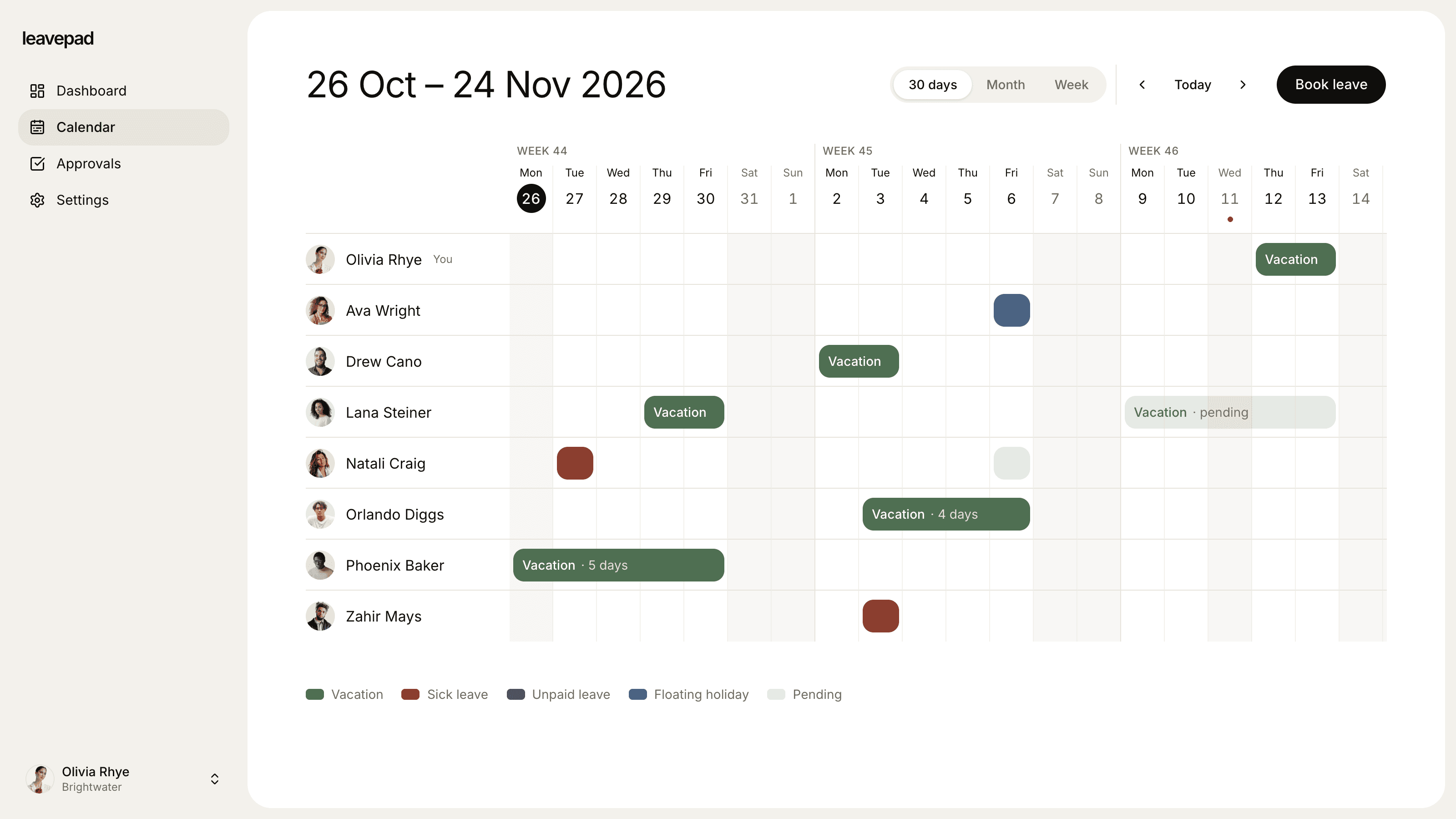
Leavepad is a focused leave tracker for teams that have outgrown the holiday spreadsheet but do not want a full HR platform. Employees request time off in a few seconds, managers see every pending request with the remaining balance next to it, and approval takes one click. Leavepad counts only working days, skipping weekends and public holidays, so a week off costs five days, not seven.
Key time off features:
- Unlimited custom leave types, each with its own allowance, colour, carry-over limit and approval rule.
- Unlimited PTO support: give a leave type no limit and still see who is off and how much time people take.
- National public holidays imported in one click and shown on the team leave calendar.
- Managers approve their direct reports; admins can approve anyone and book leave on someone’s behalf.
- Per-person allowance adjustments for part-time staff and tenure.
| Pros | Cons |
|---|---|
| + Setup takes minutes, not a sales process | − No Slack or Microsoft Teams app yet |
| + Working-day counting and public holidays built in | − Allowances are granted up front; accrual is calculated separately |
| + No HR suite to pay for or learn | − Newer product with fewer reviews |
Best for: small and growing teams that want reliable balances, approvals and a who’s-off calendar without buying an HRIS. See how it works as a PTO tracker or vacation tracker.
2. Timetastic
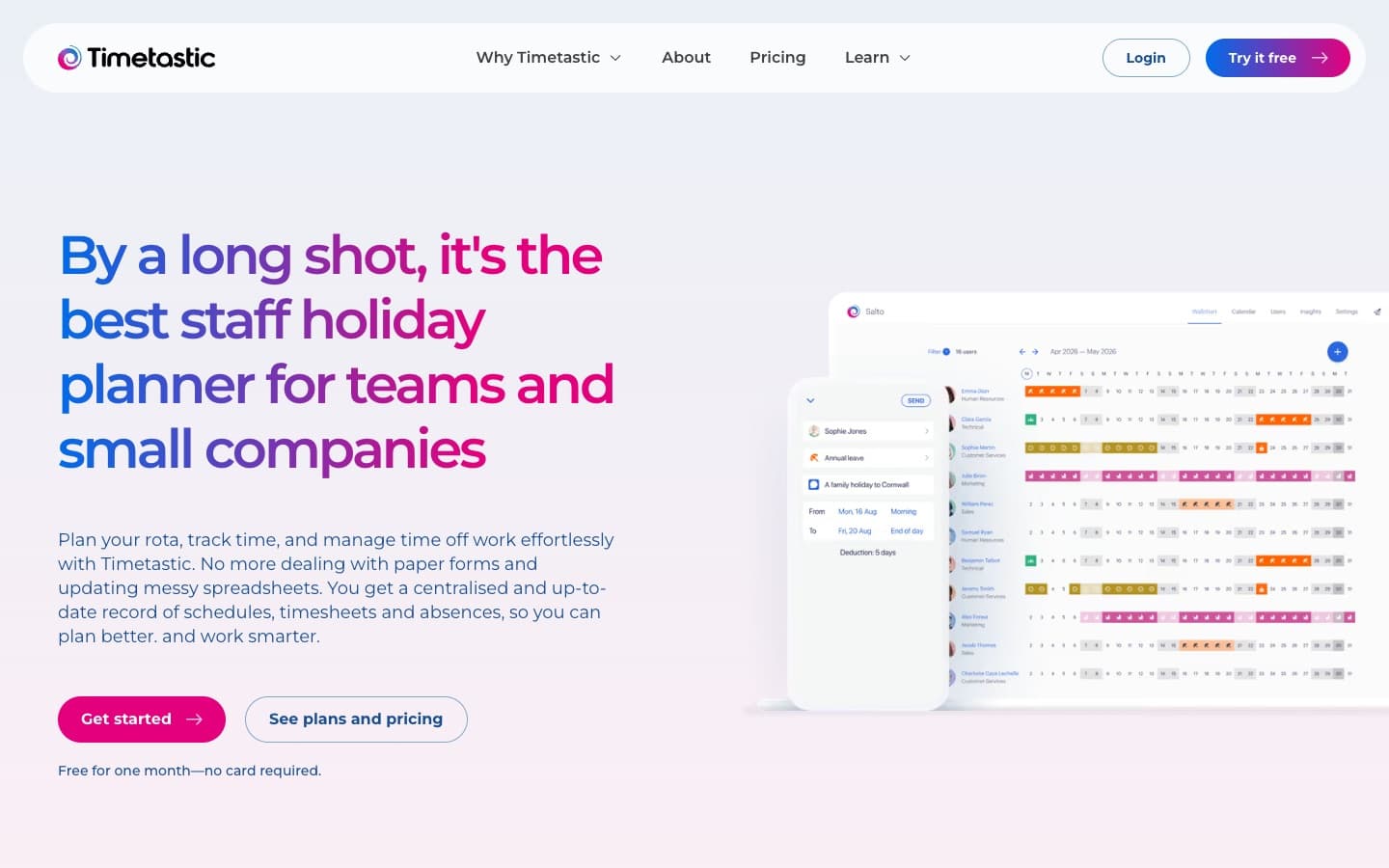
Timetastic is one of the best-known staff holiday planners in the UK, built in Cheshire and aimed squarely at small companies. Its colourful wallchart is the centre of the product: everyone’s leave on one screen, by department. It has since added rota planning and a time clock.
Pricing: Business is £1.20 per user per month and Pro is £2.00 (shown as $1.50 and $2.50 to US visitors). The Rota & Time Clock plan is $5.50. There is no minimum term and a 30-day free trial with no card. Charities, B Corps and NHS Trusts get 50% off.
Key time off features: public holidays for over 3,000 regions, Google, Outlook and Apple calendar sync, iOS and Android apps, and Slack on Business and Pro. Accruals, Microsoft Teams and advanced reports (absence trends, a burnout board) are Pro only.
| Pros | Cons |
|---|---|
| + Very low price per user, no minimum | − Accruals and Teams need the Pro plan |
| + Clear wallchart view that staff understand instantly | − One approver per department; no multi-step approvals |
| + Strong UK and public holiday coverage | − Reviewers ask for more flexible rules |
Best for: UK small businesses that want a simple holiday wallchart at a low price.
3. Vacation Tracker
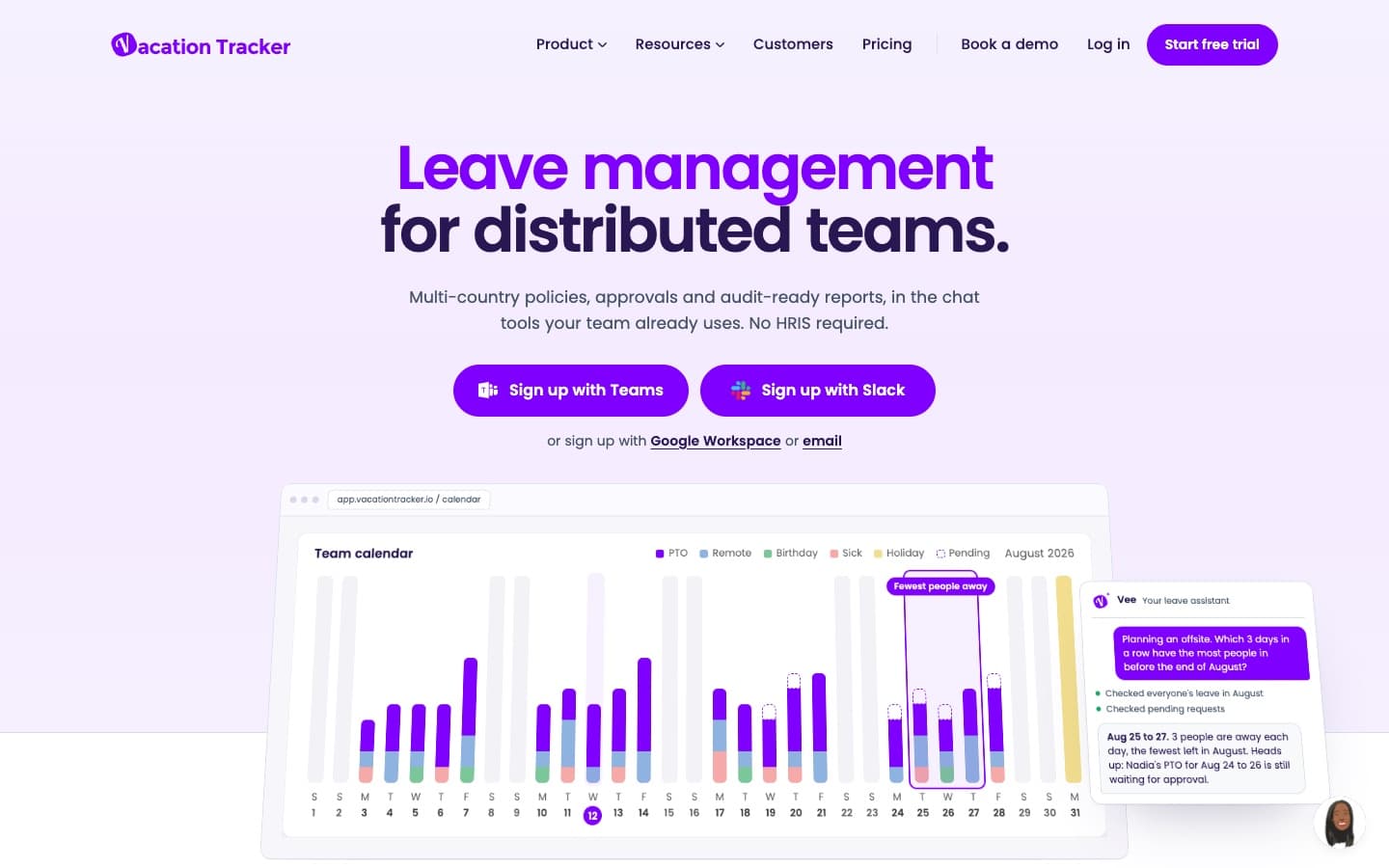
Vacation Tracker lives inside the chat tools your team already uses. You sign up with Slack, Microsoft Teams or Google Workspace, and employees request and approve leave without leaving chat. It is built for distributed teams, with multi-country policies and an AI assistant that answers questions such as “which days have the fewest people away?”.
Pricing: Core is $2 per user per month with a $50 monthly minimum. Complete is $4 per user with a $100 minimum. Annual billing saves about 10%. There is a 14-day trial with no card and no free plan.
Key time off features: unlimited leave policies, half days, carry-over with expiry dates, Google and Outlook calendar sync and mobile apps. Accruals, hourly leave, time off in lieu (TOIL), multi-level and substitute approvals and unlimited locations need Complete.
| Pros | Cons |
|---|---|
| + Best-in-class Slack and Teams experience | − $50 or $100 monthly minimum hurts very small teams |
| + Strong multi-location policies | − Accruals and multi-level approvals need the $4 plan |
| + Open API, Zapier and ADP integrations | − Reviewers find reports hard to customise |
Best for: remote and distributed teams of 25+ that run on Slack or Microsoft Teams.
4. Calamari
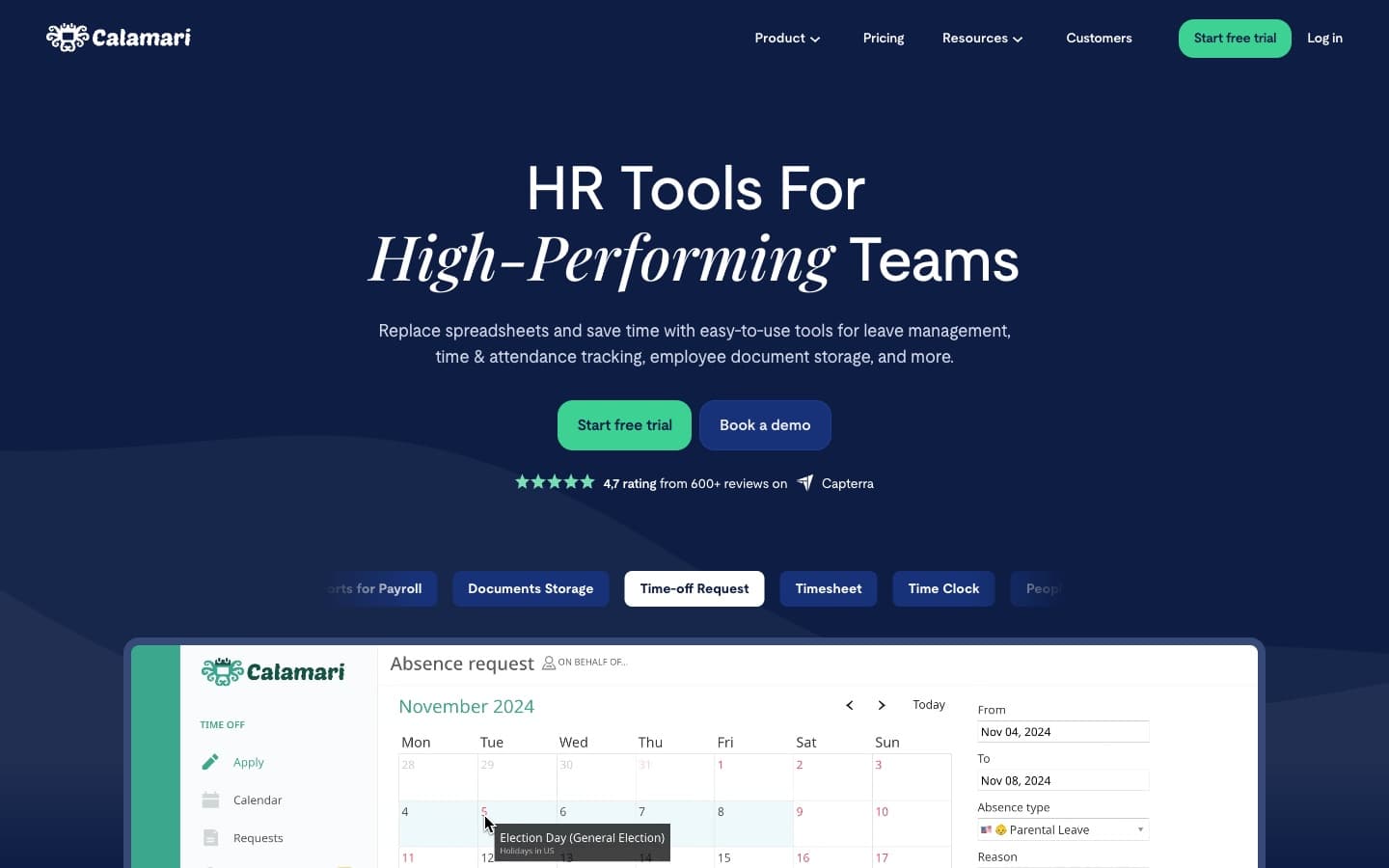
Calamari, from Warsaw, is a modular HR toolkit whose Time Off module is one of the most configurable leave trackers in this list. If your policy has notice periods, overlap limits, different rules per country and two-step approvals, Calamari can model it.
Pricing: the Time Off module is €2 per employee per month on yearly billing (€2.50 monthly), with a minimum equivalent to 10 seats. Time & Attendance, Core HR and other modules are priced separately. There is a 14-day trial of all modules with no card.
Key time off features: automatic entitlement calculation, carry-over, public holiday import, multi-country policies, a restrictions engine, multi-step approvals with backup approvers, Slack and Microsoft Teams apps, mobile apps, and exports to PDF, Excel and CSV.
| Pros | Cons |
|---|---|
| + Handles complex, multi-country leave rules | − Each module is paid separately, so costs add up |
| + Multi-step approvals and backup approvers | − Setup of policies and flows takes time |
| + Works inside both Slack and Teams | − Admins and managers count as paid users |
Best for: companies with detailed leave policies across several countries.
5. Leave Dates
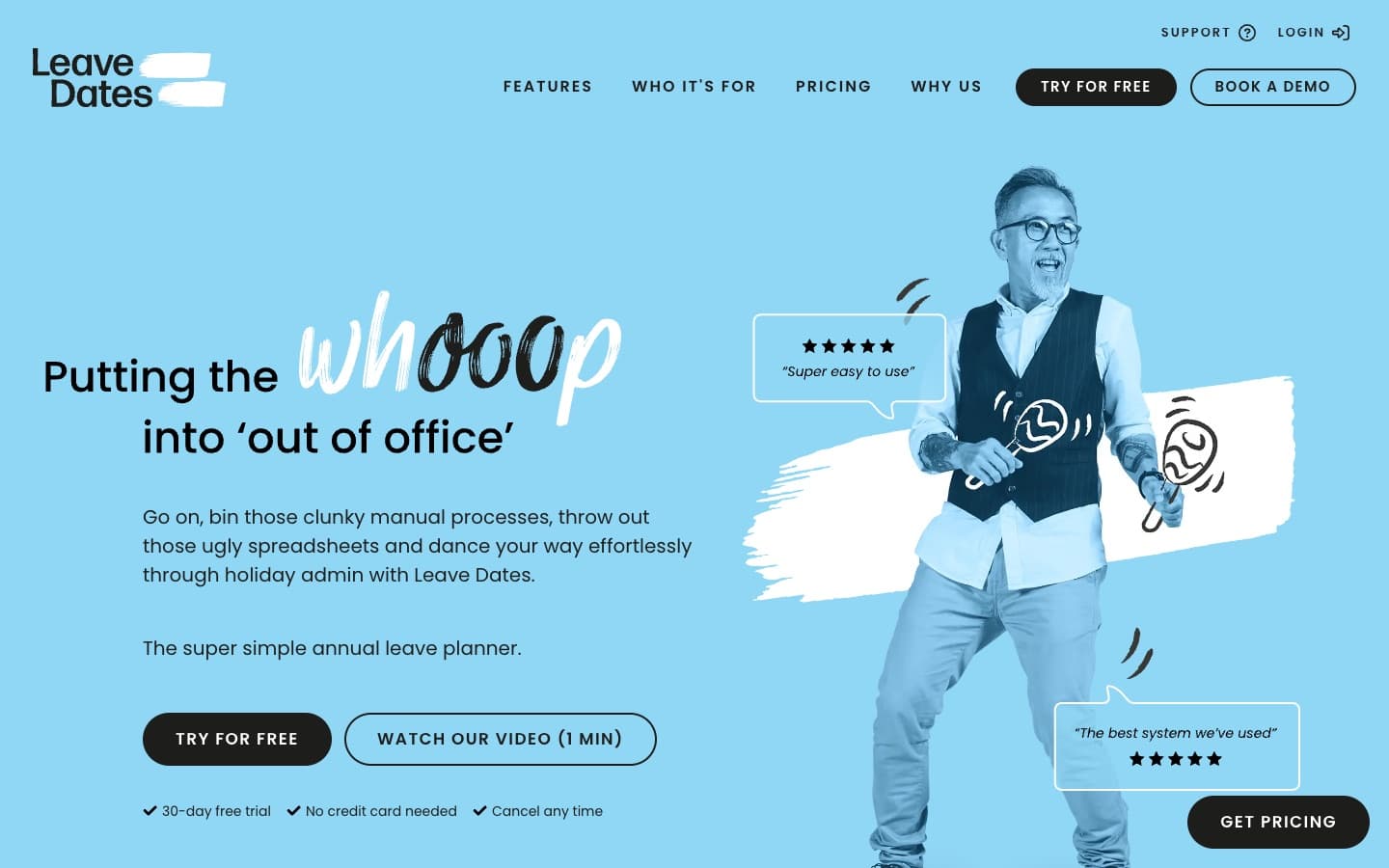
Leave Dates is a UK-made annual leave planner with the lowest starting price we found and a cheerful, plain-English product. Even the entry plan covers allowances in days or hours, pro-rating, carry-over and public holidays for more than 230 countries.
Pricing: from £0.75 per user per month on Starter. Essential and Plus cost more (third-party listings show about £1.50 and £1.88). Yearly billing saves 25%, and there is a 30-day trial with no card.
Key time off features: wall chart, reports, email summaries and a mobile app on all plans. Essential adds Google and Outlook calendar sync, a Slack daily summary, overlap limits, handovers and TOIL. Plus adds an API, webhooks, Zapier and SSO.
| Pros | Cons |
|---|---|
| + Lowest price per user in this review | − No Microsoft Teams integration |
| + Pro-rating and carry-over on every plan | − Calendar sync and Slack need Essential |
| + Holidays for 230+ countries | − Some reviewers want more flexible editing of past absences |
Best for: budget-conscious UK and European small businesses.
6. Day Off
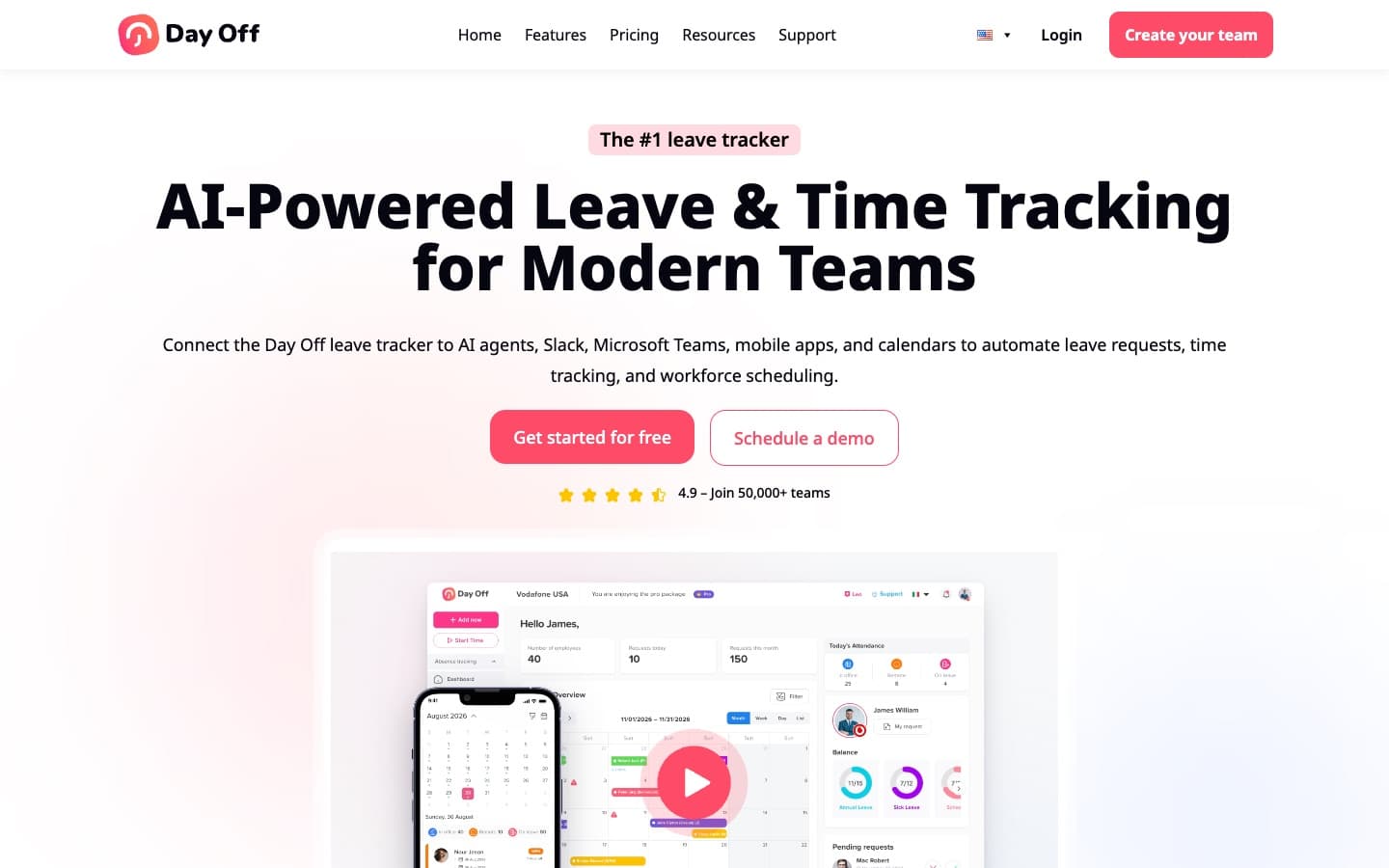
Day Off has the most generous free plan in this list: up to 10 users with one-step approval for nothing. It connects to Slack, Microsoft Teams, Google Calendar and Outlook, has well-rated mobile apps, and now bundles an AI assistant and optional time tracking.
Pricing: free for up to 10 users. Pro is $2 per seat per month with a $20 monthly minimum, and Pro with time tracking is $3 with a $30 minimum. Annual billing saves 17%.
Key time off features: multiple approvers, hourly balances, accruals, carry-over, multiple locations and blackout dates are listed in the paid plans, plus custom work schedules.
| Pros | Cons |
|---|---|
| + Free for teams of up to 10 | − Reviewers report reporting and cross-month request bugs |
| + Slack and Microsoft Teams on a budget | − Limited public information about the company |
| + Highly rated mobile apps | − Advanced features need the paid plan |
Best for: very small teams that want to start free.
7. absence.io
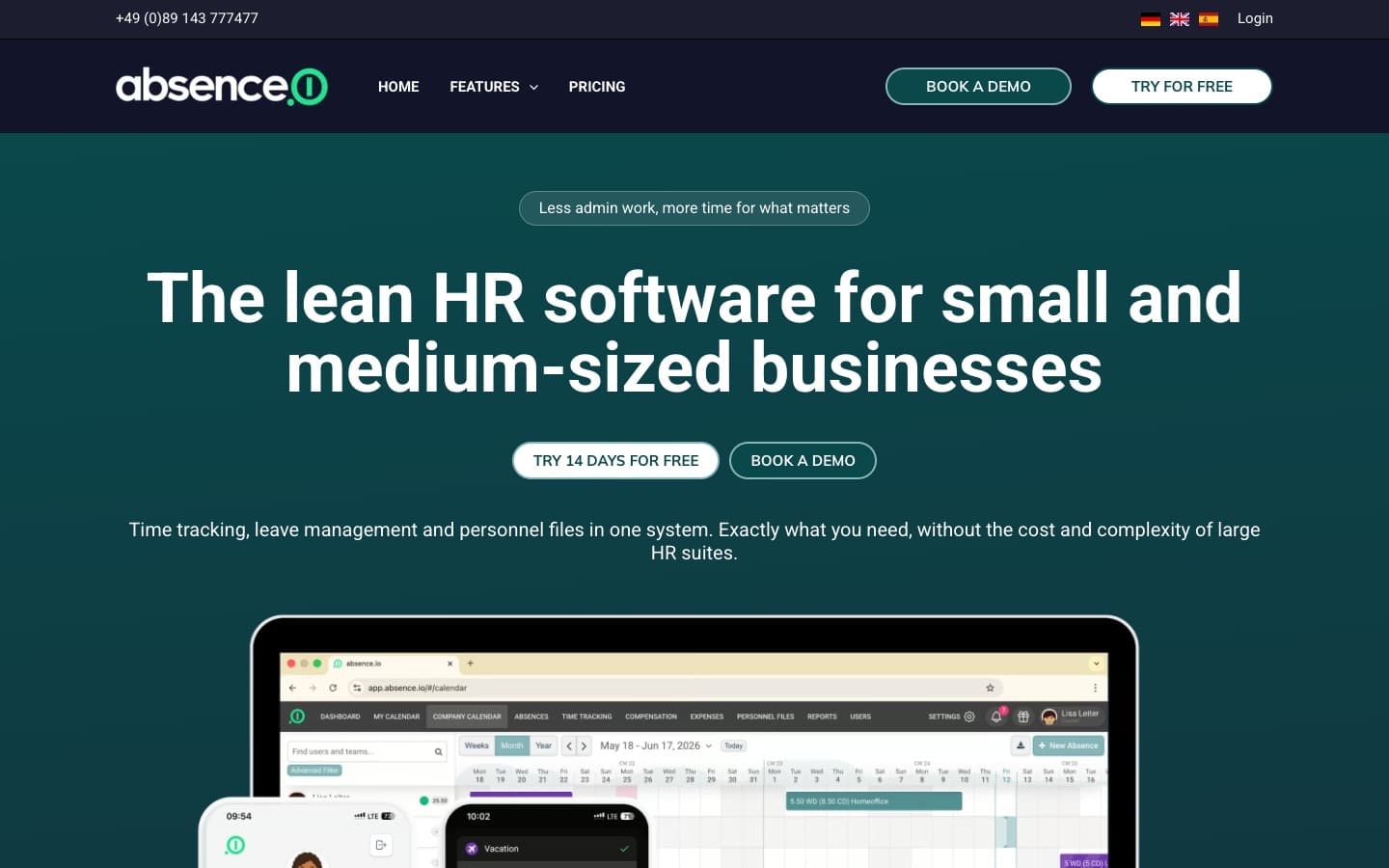
absence.io from Munich calls itself “lean HR software” for small and medium-sized businesses. It combines leave management, time tracking and personnel files, and it is especially popular in Germany, Austria and Switzerland thanks to its DATEV payroll integration.
Pricing: Starter is €2.99 per user per month for leave management, reports and integrations. Pro (€4.99) adds time tracking and SSO, and Complete (€7.99) adds expenses, DATEV, API access and workflows. Annual billing saves 10%, and there is a 14-day trial.
Key time off features: company calendar, live leave balances, native iOS and Android apps, and integrations with Microsoft 365, Google Workspace and Slack.
| Pros | Cons |
|---|---|
| + Transparent per-user pricing | − Small number of public reviews |
| + DATEV integration for German payroll | − Content and support are German-first |
| + Leave and time tracking in one tool | − No dedicated Microsoft Teams app |
Best for: German-speaking SMBs, especially DATEV users.
8. BambooHR
BambooHR is one of the most popular HR systems for small and mid-sized US companies. Time off is included in every plan, alongside employee records, onboarding, performance and optional payroll. (BambooHR’s homepage blocks automated browsers, so we could not capture a screenshot.)
Pricing: Core is about $10 per employee per month, Pro $17 and Elite $25. Companies with 25 or fewer employees pay a flat monthly fee instead: $250 for Core, $425 for Pro and $650 for Elite. Nonprofits get 15% off. Plans are sold through sales with a demo.
Key time off features: unlimited custom time off policies, accruals (which can be paused), balance forecasting, a time off calendar, mobile requests and approvals, and a Slack app to check balances and request leave. Balances are tracked in hours.
| Pros | Cons |
|---|---|
| + Mature accruals and balance forecasting | − $250/month minimum is steep for leave tracking alone |
| + Full HRIS: records, onboarding, payroll | − US-centric, hour-based setup |
| + Thousands of positive reviews | − No Microsoft Teams integration found |
Best for: US companies with 25+ employees that want a complete HR system, not just a leave tracker.
9. Factorial
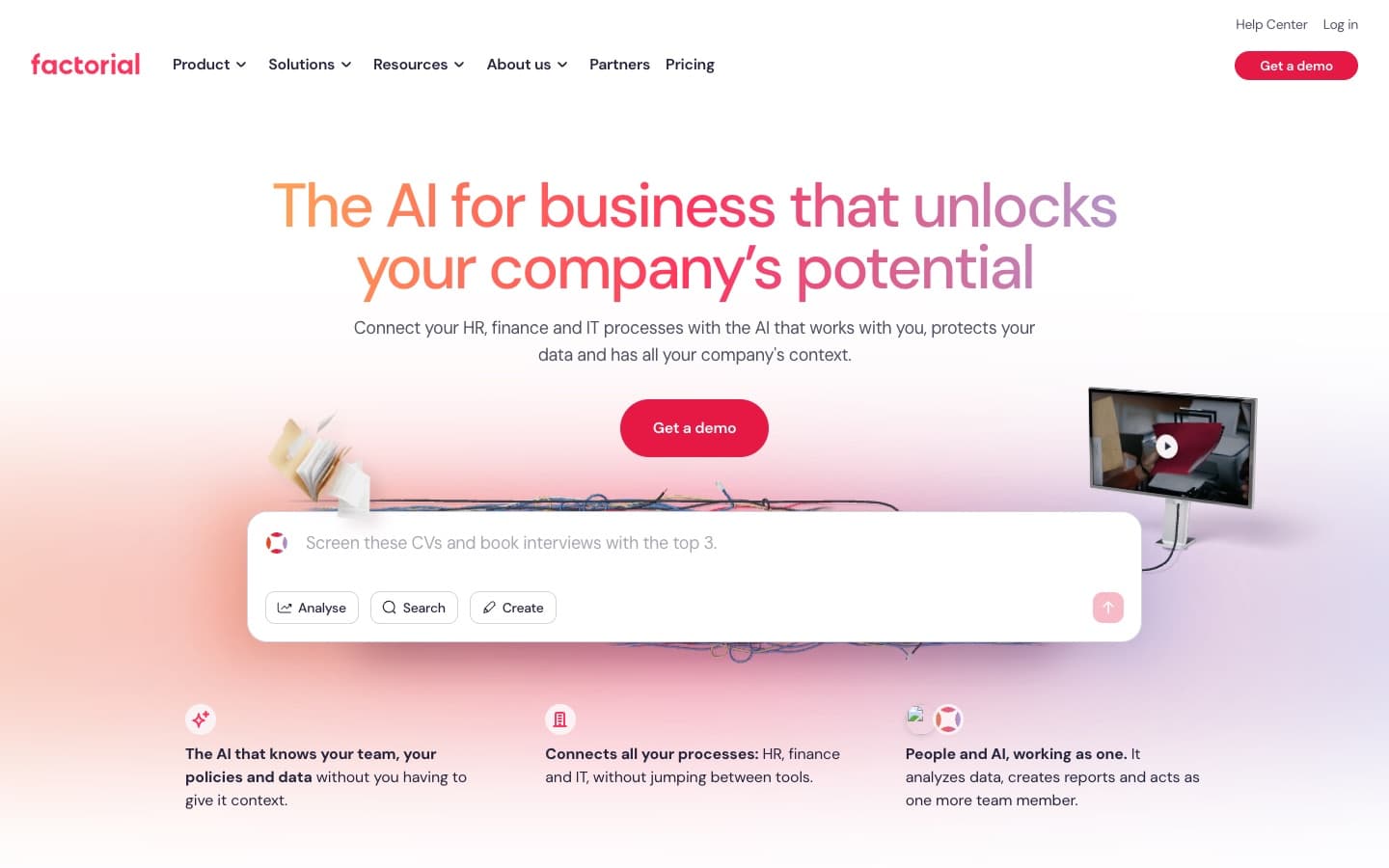
Factorial, from Barcelona, is an all-in-one HR, finance and IT platform now positioned around AI. Time off is a separate module with accrual rules (including per-state accruals in the US), blackout dates, approval workflows and calendar sync, and it has a Slack app.
Pricing: from $8 per user per month, but there is no public price list. Plans are tailored by sales, and the Time Off module is an add-on to the core product.
| Pros | Cons |
|---|---|
| + Time off connected to payroll, documents and time tracking | − No published pricing; time off costs extra |
| + Accrual rules and blackout dates | − Reviewers mention inconsistent support |
| + Strong presence across Europe and Latin America | − More platform than most small teams need |
Best for: European SMBs that want HR, payroll and time off in one platform.
10. Personio
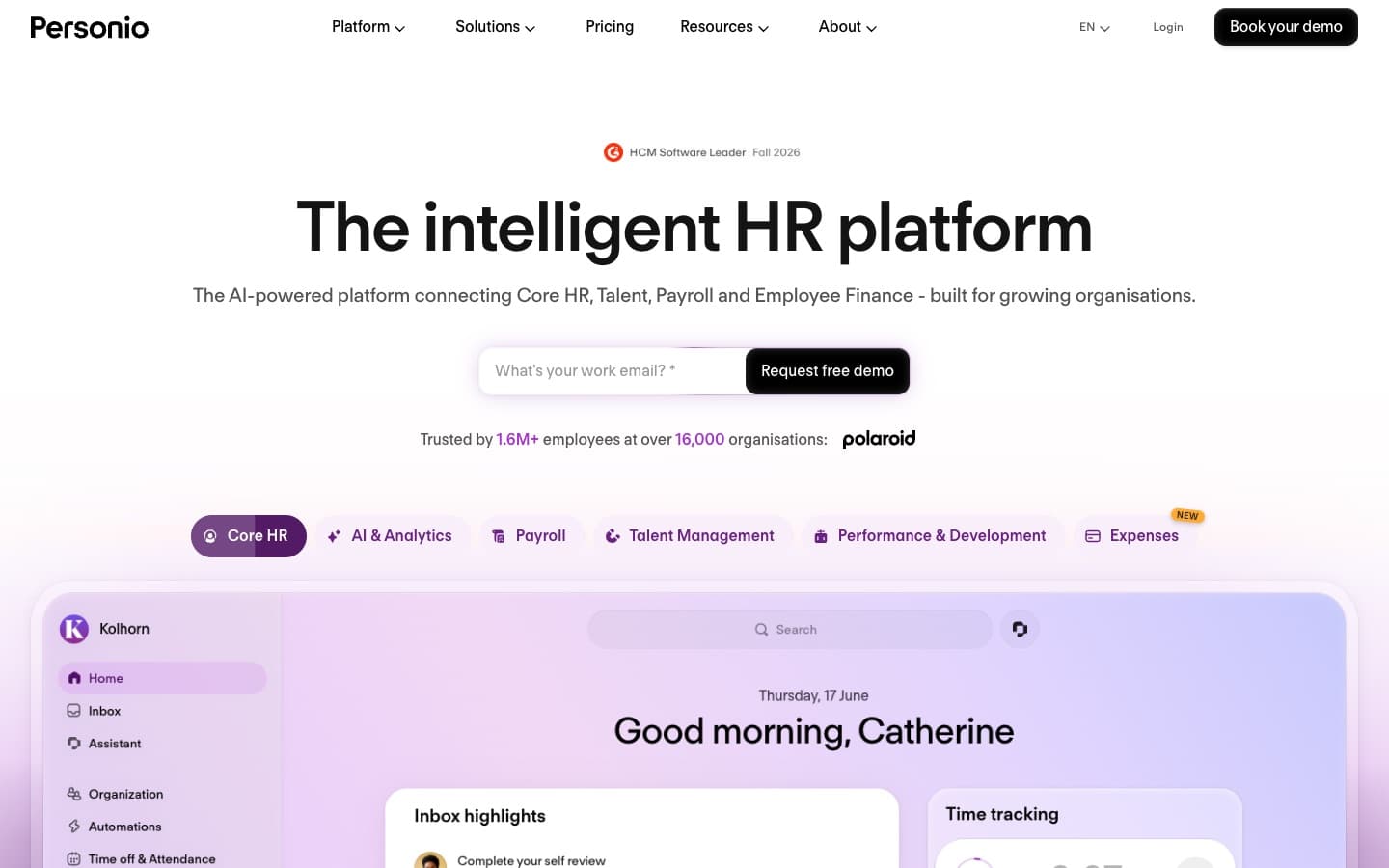
Personio is one of Europe’s leading HR platforms, used by more than 16,000 organisations. Absence management is part of both of its plans, connected to core HR, payroll preparation, recruiting and performance.
Pricing: Core and Core Pro, both quote-only. Personio shows a starting point of about €7.60 per employee per month. Core Pro adds API access, position management and unlimited legal entities.
| Pros | Cons |
|---|---|
| + Absence data flows into payroll and HR records | − Quote-only pricing |
| + Built for European employment law | − Implementation is a project, not an afternoon |
| + Scales to companies with thousands of staff | − Reviewers report technical errors and slow fixes |
Best for: European companies of roughly 50 to 2,000 employees replacing several HR tools at once.
11. Rippling
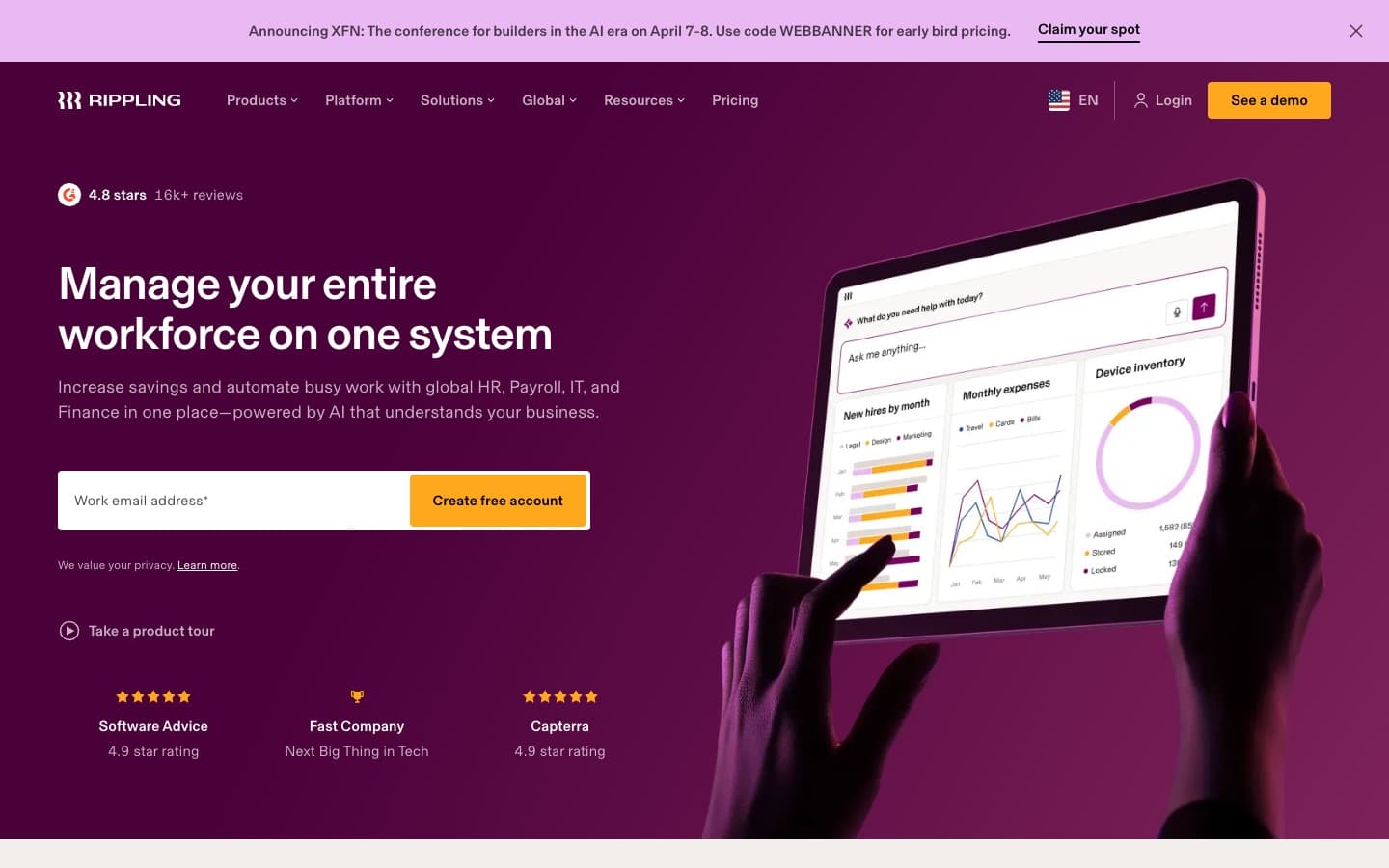
Rippling is a workforce platform that combines HR, payroll, IT and finance. Time off is not sold on its own; it is part of Time & Attendance and the HR platform. In return, approved PTO flows straight into payroll.
Pricing: from $8 per employee per month plus a monthly base fee, quoted by sales. There is no free trial, but eligible US startups can apply for a free programme.
Key time off features: policies based on employee attributes, tenure-based accrual, carry-over caps, unlimited PTO types, approval workflows with delegation, blackout periods, mobile requests and a Time Off API.
| Pros | Cons |
|---|---|
| + PTO updates payroll automatically | − Cannot be bought as a standalone leave tracker |
| + Very flexible policy rules | − Base fee plus modules makes it costly |
| + Highly rated across thousands of reviews | − Reviewers say the mobile app lags the web app |
Best for: US companies already running payroll on Rippling.
Time off tracker feature comparison
“Plan” means the feature needs a higher tier. “Not found” means we could not confirm it on the vendor’s public pages.
| Software | Accruals | Carry-over | Public holidays | Slack | MS Teams | Mobile app | Multi-step approval |
|---|---|---|---|---|---|---|---|
| Leavepad | Up front | ✓ | ✓ | – | – | Web | – |
| Timetastic | Pro | Not found | ✓ | ✓ | Pro | ✓ | – |
| Vacation Tracker | Complete | ✓ | ✓ | ✓ | ✓ | ✓ | Complete |
| Calamari | ✓ | ✓ | ✓ | ✓ | ✓ | ✓ | ✓ |
| Leave Dates | Not found | ✓ | ✓ | Essential | – | ✓ | Not found |
| Day Off | Paid | Paid | ✓ | ✓ | ✓ | ✓ | Paid |
| absence.io | Not found | Not found | ✓ | ✓ | – | ✓ | Not found |
| BambooHR | ✓ | Not found | ✓ | ✓ | – | ✓ | Not found |
| Factorial | ✓ | Not found | ✓ | ✓ | Not found | ✓ | ✓ |
| Personio | ✓ | ✓ | ✓ | Not found | Not found | ✓ | ✓ |
| Rippling | ✓ | ✓ | ✓ | Not found | Not found | ✓ | ✓ |
What time off tracking costs for 10, 25 and 50 people
Per-user prices hide minimum fees and flat tiers. Here is the monthly cost of the cheapest plan that includes time off, using each vendor’s published prices and currency. Annual-billing discounts are not applied unless the vendor only publishes an annual price.
| Software | 10 people | 25 people | 50 people |
|---|---|---|---|
| Day Off (Free / Pro) | $0 | $50 | $100 |
| Leave Dates (Starter) | £7.50 | £18.75 | £37.50 |
| Timetastic (Business) | £12 | £30 | £60 |
| Calamari (Time Off, yearly) | €20 | €50 | €100 |
| Vacation Tracker (Core) | $50 | $50 | $100 |
| absence.io (Starter) | €29.90 | €74.75 | €149.50 |
| BambooHR (Core) | $250 | $250 | About $500 |
| Factorial, Personio, Rippling | Quote | Quote | Quote |
The pattern is clear: a dedicated time off tracker costs somewhere between nothing and about €150 a month for a 50-person company. An HR suite costs several times that, which is worth it only if you will use its other modules. To estimate the cost of unused leave on your side of the ledger, try our PTO payout calculator.
Standalone time off tracker vs. an HR suite
The biggest decision is not which brand to pick but which kind of tool you need.
| Standalone time off tracker | HR suite (HRIS) | |
|---|---|---|
| Examples | Leavepad, Timetastic, Vacation Tracker, Leave Dates, Day Off | BambooHR, Personio, Factorial, Rippling |
| Typical cost | £0.75–$4 per user, published | $8–$25 per user, often with a base fee or quote |
| Setup time | Minutes to an afternoon | Weeks, often with onboarding calls |
| Scope | Requests, approvals, balances, calendar | Records, payroll, hiring, performance and time off |
| Best when | Leave is the problem you need to solve | You are replacing several HR tools at once |
Many teams start with a standalone tracker and keep it even after buying payroll software, because employees find a focused tool quicker to use. Others go straight to an HRIS once they pass 50 to 100 employees. Neither path is wrong; just avoid paying for a suite when all you need is a reliable annual leave planner.
How to choose employee time off tracker software
Work through these questions before you start any free trials:
- How complex is your leave policy? A single allowance with carry-over fits almost any tool. Accrual per pay period, tenure-based allowances, TOIL or per-state rules narrow the field to Vacation Tracker (Complete), Calamari, BambooHR or Rippling.
- Where does your team work? If everyone lives in Slack or Teams, a chat-first tool like Vacation Tracker or Day Off will get adopted fastest.
- How many countries? Check that public holidays are imported for every location, and that each person gets the right calendar. Our public holidays lookup helps you sanity-check what a tool imports.
- Who approves? One manager per team is standard. Multi-step or substitute approvals are a paid feature in most tools.
- What is the real monthly cost? Multiply by your headcount, then check for minimum fees, paid admin seats and features locked to higher tiers.
- How fast can you be live? If a trial needs a demo call before you can try anything, the tool is probably built for a bigger company than yours.
- Can you import your current balances? Make sure you can set each person’s opening balance so nobody loses days in the switch.
Tip: before your trial ends, run one real month of requests through the tool, including a part-time employee, a request over a public holiday and a request that crosses month end. Those three cases reveal most balance calculation bugs. You can check the numbers with our business days calculator and pro rata holiday calculator.
Our verdict
There is no single best employee time off tracker software, only the best fit for your team’s size, policy and tools:
- Choose Leavepad if you want requests, approvals, working-day balances and a team calendar set up in minutes, without an HR suite.
- Choose Timetastic or Leave Dates for a low-cost, UK-friendly holiday planner.
- Choose Vacation Tracker or Day Off if your team lives in Slack or Microsoft Teams.
- Choose Calamari for complex, multi-country rules and multi-step approvals.
- Choose BambooHR, Personio, Factorial or Rippling only if you need a full HR platform and time off is one part of it.
Whichever you pick, the payoff is the same: no more spreadsheet recounts, no more clashing holidays, and a team that can see its balance and actually take its time off.
Frequently asked questions
What is the best employee time off tracker software?
+
It depends on your team. Leavepad is best for simple leave tracking without an HR suite, Timetastic for UK small businesses, Vacation Tracker for teams on Slack or Microsoft Teams, Calamari for complex multi-country rules, and BambooHR or Personio if you need a full HR platform.
Is there free employee time off tracker software?
+
Yes. Day Off is free for up to 10 users with one-step approval. Most other tools offer a free trial instead: 30 days for Timetastic and Leave Dates, 14 days for Vacation Tracker, Calamari and absence.io. A well-built spreadsheet is also free but needs manual updates.
How much does time off tracking software cost?
+
Dedicated time off trackers cost roughly £0.75 to $4 per user per month, though some add minimum fees such as $50 a month for Vacation Tracker. Full HR platforms with time off, like BambooHR, Personio and Rippling, cost $8 to $25 per employee per month or more, often with a base fee.
What features should a time off tracker have?
+
At minimum: online time off requests, manager approvals, custom leave types, automatic balances that count working days only, public holidays per country, carry-over rules and a shared team calendar. Depending on your policy you may also need accruals, hourly leave, multi-step approvals or Slack and Teams integration.
What is the difference between a PTO tracker and an HRIS?
+
A PTO tracker focuses on time off: requests, approvals, balances and the team calendar. An HRIS such as BambooHR or Personio covers employee records, payroll, hiring and performance as well, with time off as one module. PTO trackers are cheaper and faster to set up; an HRIS makes sense when you are replacing several HR tools.
Which time off tracker works with Slack and Microsoft Teams?
+
Vacation Tracker, Calamari and Day Off integrate with both Slack and Microsoft Teams. Timetastic supports Slack on all paid plans and Teams on Pro. Leave Dates and absence.io connect to Slack but not Teams, and BambooHR offers a Slack app.
Can time off tracker software handle PTO accrual?
+
Many can. BambooHR, Rippling, Calamari and Factorial support accrual rules, and Timetastic and Vacation Tracker include accruals on their higher plans. If your tool grants allowances up front, you can calculate accrued balances with a PTO accrual calculator and adjust them.
When should a small business switch from a spreadsheet to time off software?
+
Usually when you pass about 10 to 20 employees, have more than one or two leave types, have managers approving requests, or employ people in more than one country. Other signs are frequent balance questions, lost requests and clashing holidays nobody noticed.
How long does it take to set up a time off tracker?
+
Focused tools like Leavepad, Timetastic and Leave Dates can be live in under an hour: add leave types and allowances, import public holidays, invite the team and set opening balances. HR suites usually take several weeks because time off is configured alongside records, payroll and permissions.